How to schedule an ongoing Claude Code task to continue to run later
So that we can make the most of those usage limits!

Problem
This feels like such a silly problem to solve, but oh well.
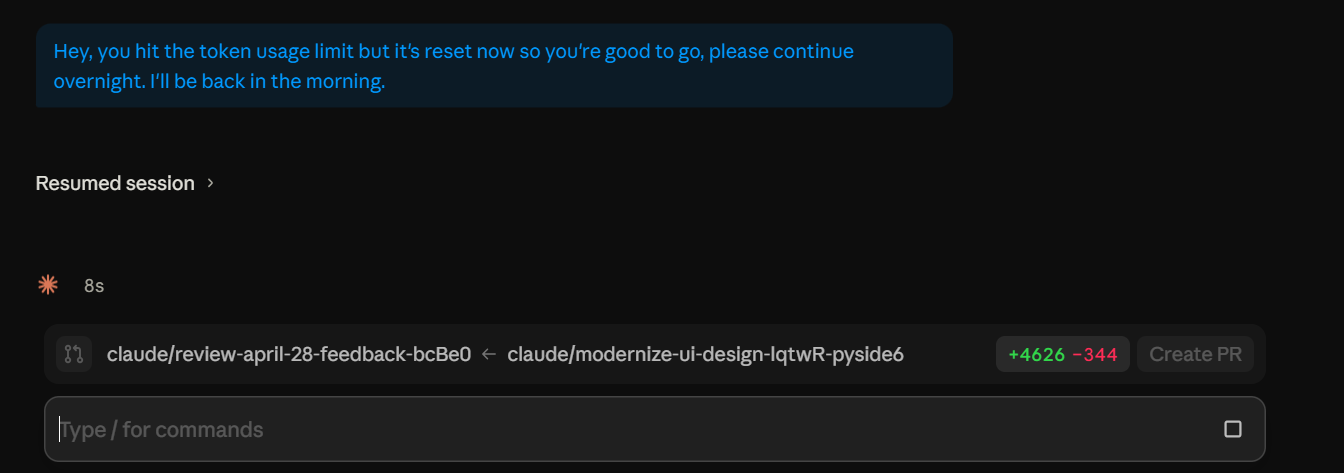
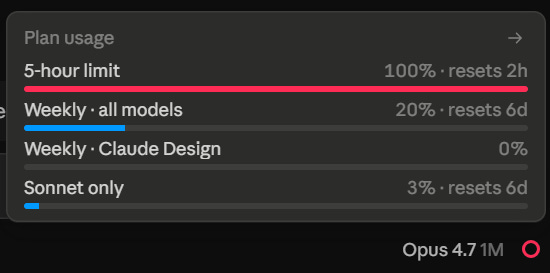
With Claude Code’s new rolling usage limits I end up under-utilizing usage windows overnight where I could be using it to get work done but I am asleep (and would prefer to stay asleep).
There was no obvious way to schedule an ongoing task to restart and continue to run in the future in any of the Claude Code interfaces (command line/VS code extension/or the desktop application).
Solution
I built a quick and easy solution to make that happen and figured I would share it in case it helps anyone else.
What it does: It’s a python command line utility that either clicks the left mouse button button or presses enter at a scheduled time.
Github Repo Link: https://github.com/IcedRooibos/autoclick
Python Package Index Link: https://pypi.org/project/autoclick-scheduler/1.0.0/
Install it with:
python -m pip install autoclick-schedulerHow to use it
Open your Claude Code interface of choice.
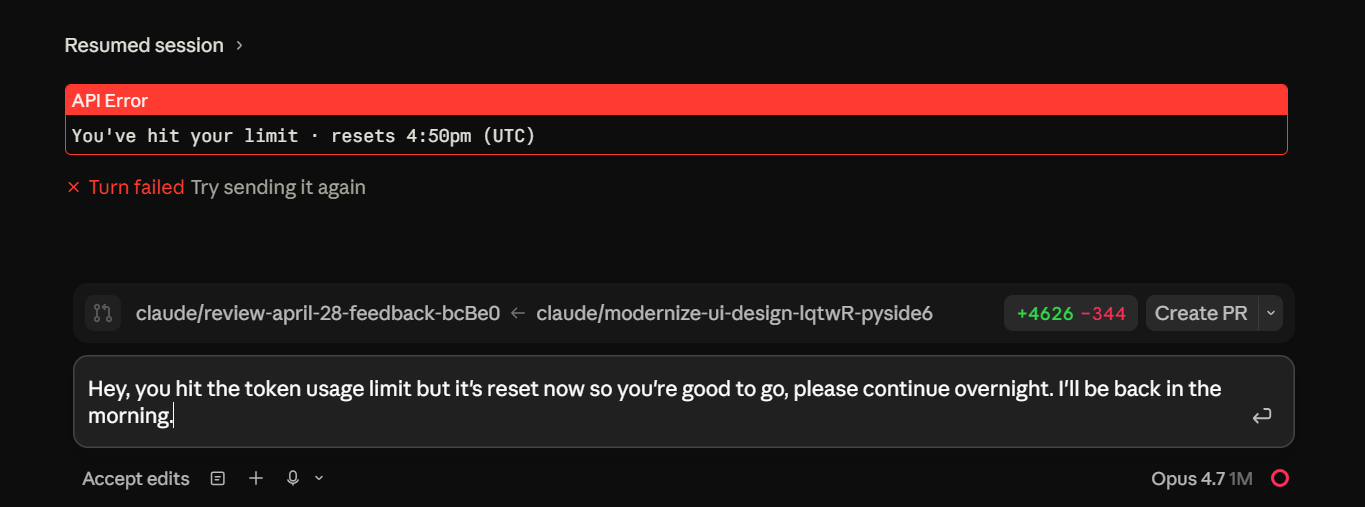
Write in whatever feedback you were going to give it
And then run the following command in your terminal
# Use this if you placed your mouse cursor over enter and want a mouse click in 2 hours 30 mins
python -m autoclick -H 2 -M 30

# Or use this one if you took over focus of the text box and want to press enter in 2 hours 30 mins
python -m autoclick -H 2 -M 30 --enter
If you’re on a laptop, go to this website and turn on the tool to keep your laptop awake: https://keepcomputerawake.com/
Then you can either position your mouse over the send button or take focus of the text dialog

And that’s it, your code will now run as scheduled